
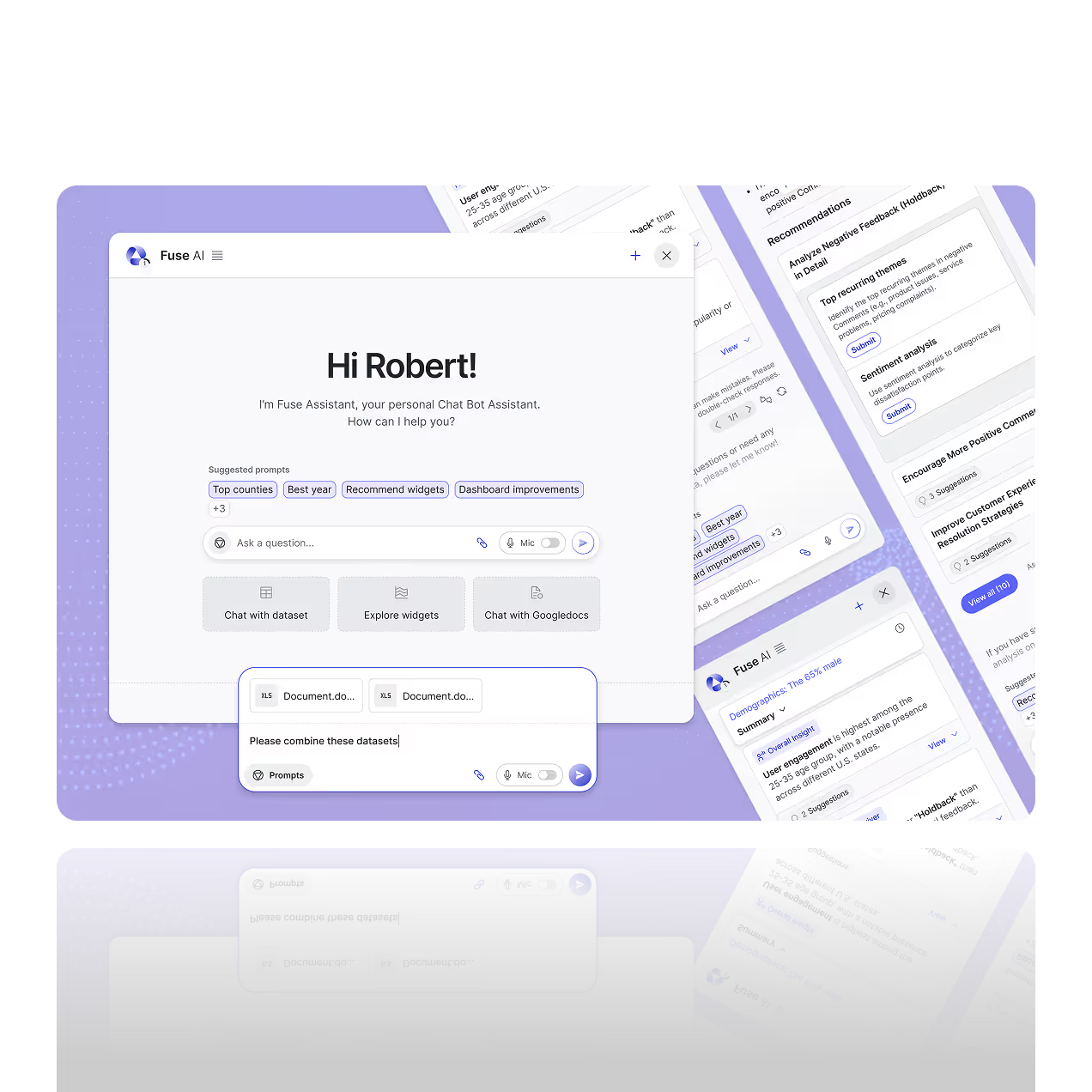

Conversational Analytics Software to Chat With Your Data
Engaging with data should be as simple as asking a question. Fusedash AI Chat lets you query your dashboards and datasets to explore metrics, uncover trends, and understand what changed, without building a new report first.
Use AI Chat to generate quick summaries, compare time periods, and drill into segments like region, product, or channel. It’s ideal for reporting, reviews, and decision-making because the conversation keeps context, so follow-up questions become more specific and useful.
What Can AI Chat Do?
Fusedash AI Chat turns questions into answers you can act on. Ask about any dashboard or dataset in plain language and get a clear explanation plus the chart, table, or breakdown that supports it. Use AI data chat to spot what changed, compare performance, and understand why metrics moved, without digging through multiple reports.
What Can AI Chat Do?
Fusedash AI Chat turns questions into answers you can act on. Ask about any dashboard or dataset in plain language and get a clear explanation plus the chart, table, or breakdown that supports it. Use AI data chat to spot what changed, compare performance, and understand why metrics moved, without digging through multiple reports.
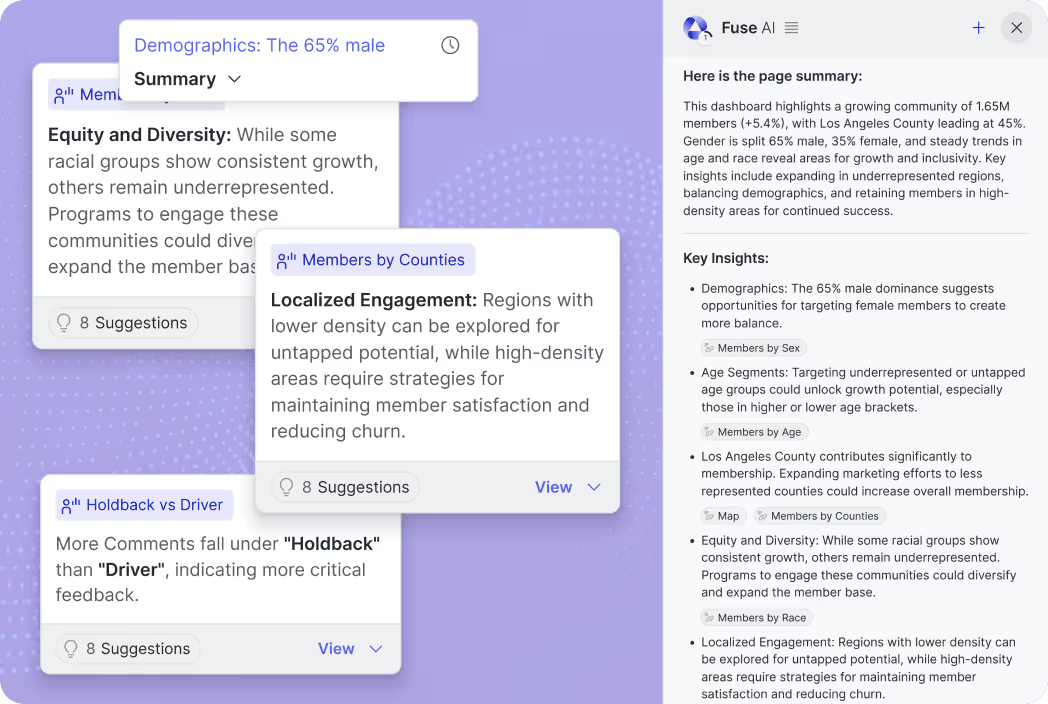
Instant Data Insights
Get answers in seconds with the key metric, a supporting breakdown, and the context behind the result. Ask for trend summaries, segment comparisons, or a quick explanation of what moved and what stayed flat. Turn the output into a chart you can reuse.
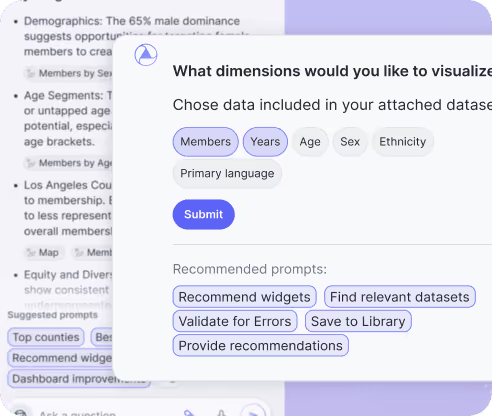
Conversational Drill Downs
Ask follow-up questions to narrow by timeframe, region, product, channel, or team. For location drilldowns, use Maps. The chat keeps context, so you can go from overview to root cause and keep refining the same question until it is clear.
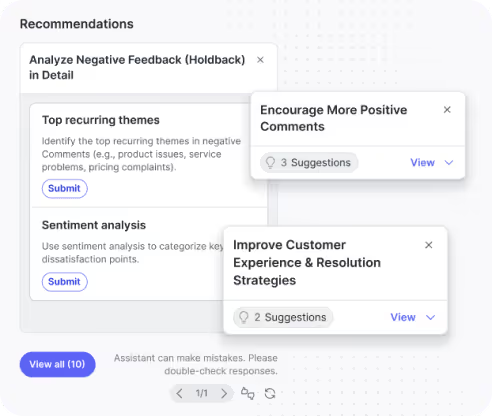
Smart Recommendations
Turn insights into next steps. AI Chat can highlight unusual changes, suggest what to check next, and recommend the best angle to investigate, like which segment is driving growth or where performance is slipping. Share the takeaway as a storytelling update.
Specific Ways Fusedash
AI Chat Can Help
Use AI data chat to get answers from live dashboards and connected datasets. Ask in plain language, then review the metric, the breakdown, and the supporting chart in the same workflow.
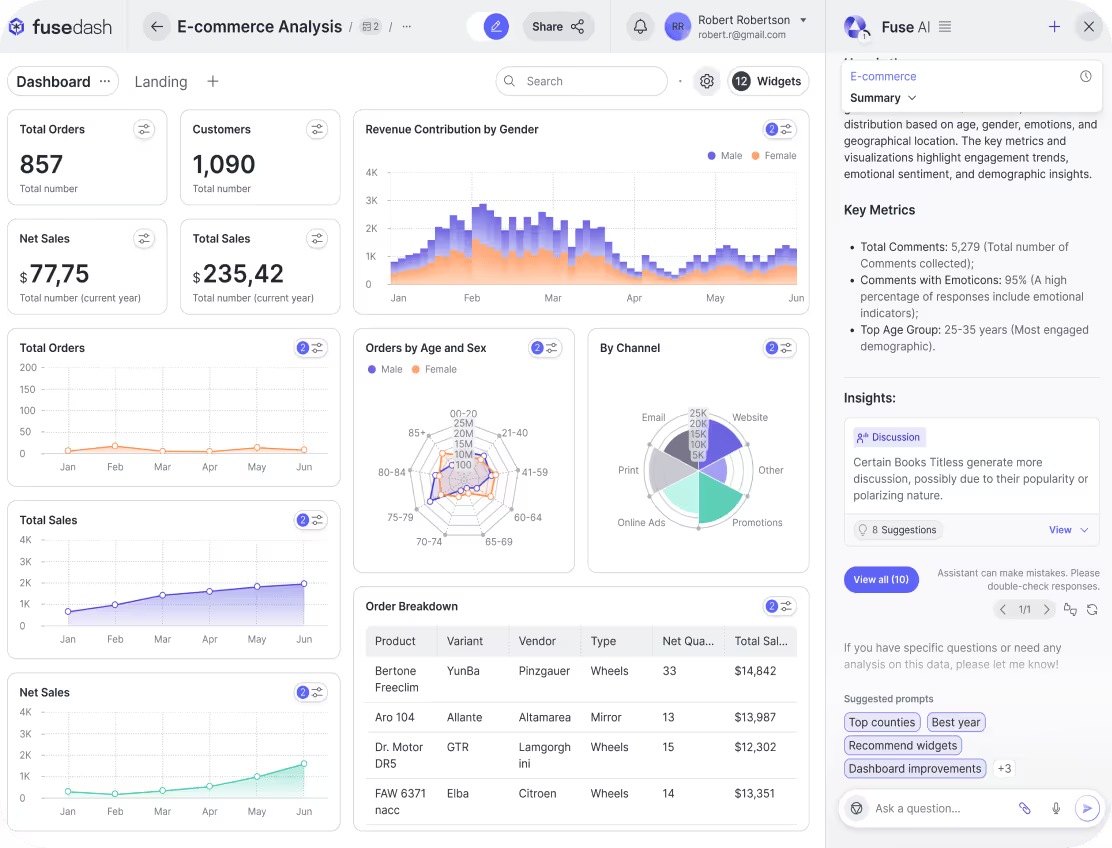
Summary Reports
Ask questions about your live dashboards and get answers with the supporting numbers, chart, and filters applied. Examples: “What were sales last week by channel?” or “Which region dropped the most this month?” AI Chat returns the metric, the breakdown, and the context so you can act quickly.
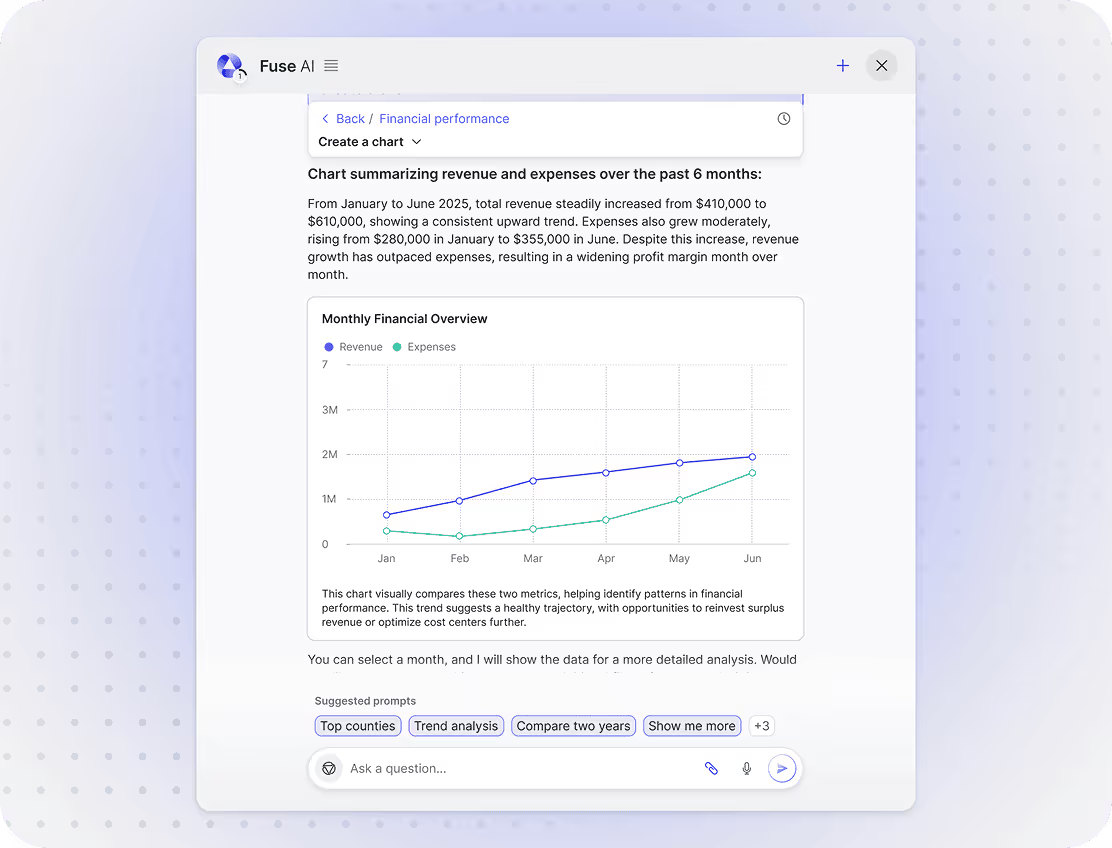
Automated Reporting and Summaries
Turn messy data into a clear narrative in seconds. Request a weekly performance recap, a month-end finance summary, or a campaign review, and AI Chat generates a structured overview with key metrics, changes vs the previous period, and the main drivers behind the results.
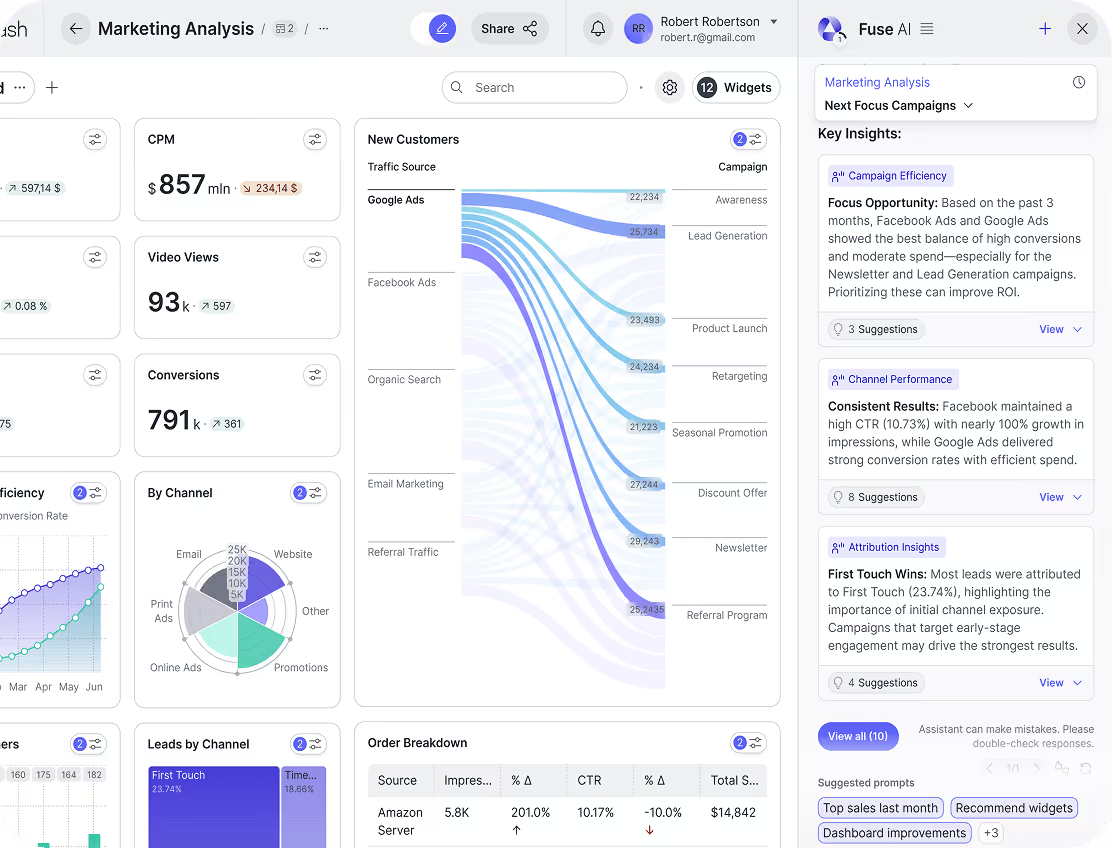
Data Recommendations
Go beyond answers. Your AI analytics assistant can flag unusual spikes, slipping segments, and patterns worth investigating, then suggest what to check next. Ask: “Which campaigns should we scale?” or “What is hurting retention?” and get recommendations grounded in your historical performance.
How Fusedash AI Chat Works
Fusedash AI Chat helps you chat with your data across dashboards and connected datasets. Ask a question, get the metric and supporting chart, then refine the answer with follow-ups, filters, and time ranges, all in one interface.


Ask a Question
Start with a plain-language prompt like “What changed this month?” or “Show revenue by channel.” Add a timeframe or segment if you want, and AI Chat responds with the most relevant breakdown to explore.

Pull the Right Data
AI Chat uses the dashboards and datasets you select to fetch the numbers behind the answer, including the right date range, dimensions, and comparisons.

Generate a Clear Summary
Request a quick recap like “Summarize this quarter” or “Explain the biggest drivers,” and get a structured summary with key metrics, deltas, and context.

Get Recommendations
Ask “What should I check next?” and the AI analytics assistant flags anomalies, unusual changes, and segments worth investigating based on your patterns.

Refine With Follow Ups
Drill down by region, product, channel, or cohort. Compare periods, apply filters, and narrow the view until the result matches the decision you need to make.

Share or Export
Share the result with a link or export it for reporting, reviews, and stakeholder updates so teams stay aligned on the same answer.
Examples of AI Data Chat in action
See what it looks like to chat with your data instead of switching between dashboards, reports, and spreadsheets. Fusedash AI Data Chat turns your live dashboard context into answers, charts, and summaries, so teams can explain what changed and decide what to do next in plain language.

Real-time Data
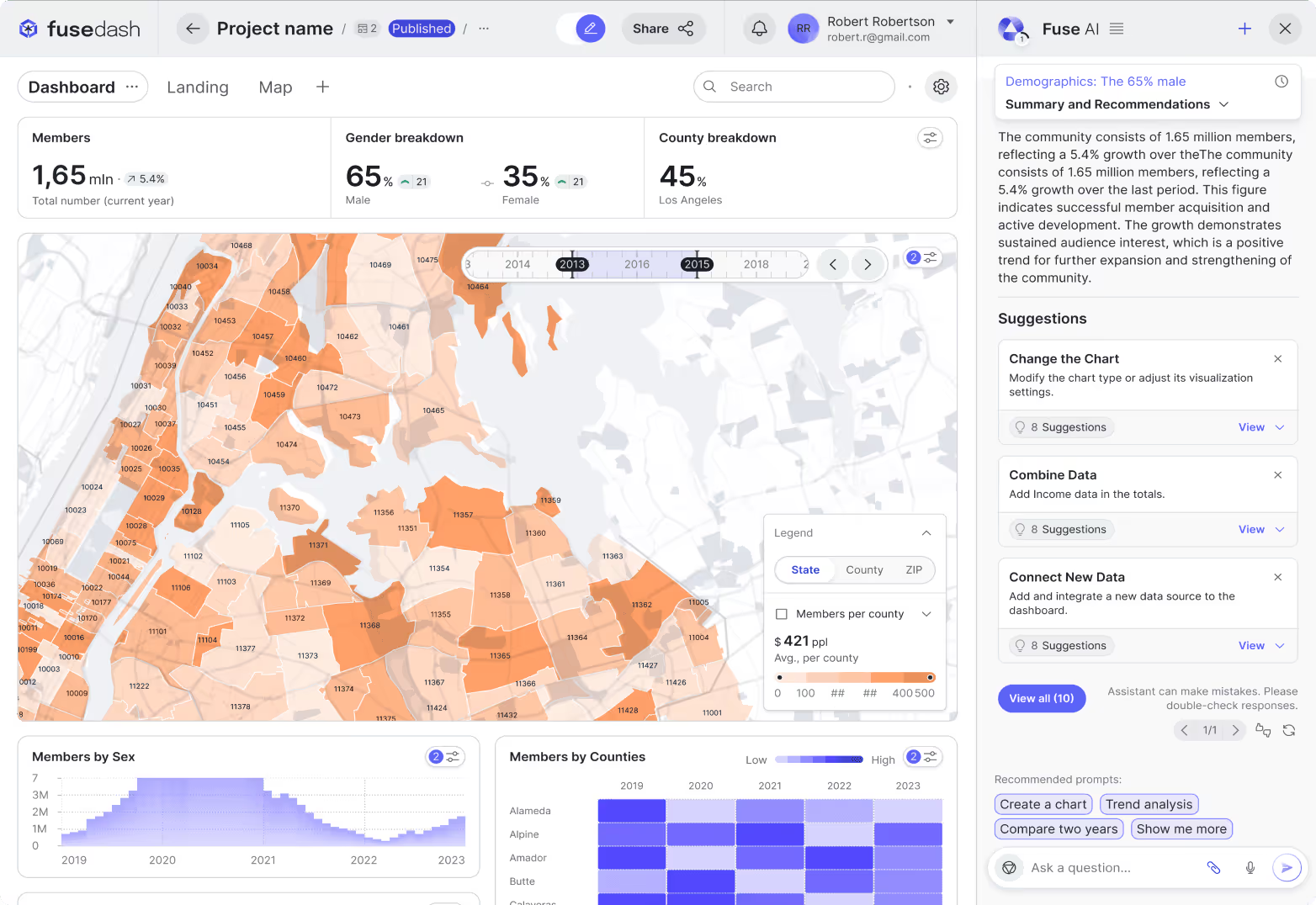
Ask questions against your live dashboards and connected sources and get up to date metrics with the breakdown that supports the answer. Fusedash returns charts or tables inside the conversation, so you can compare periods, check segments, and verify what is driving a change without rebuilding anything.
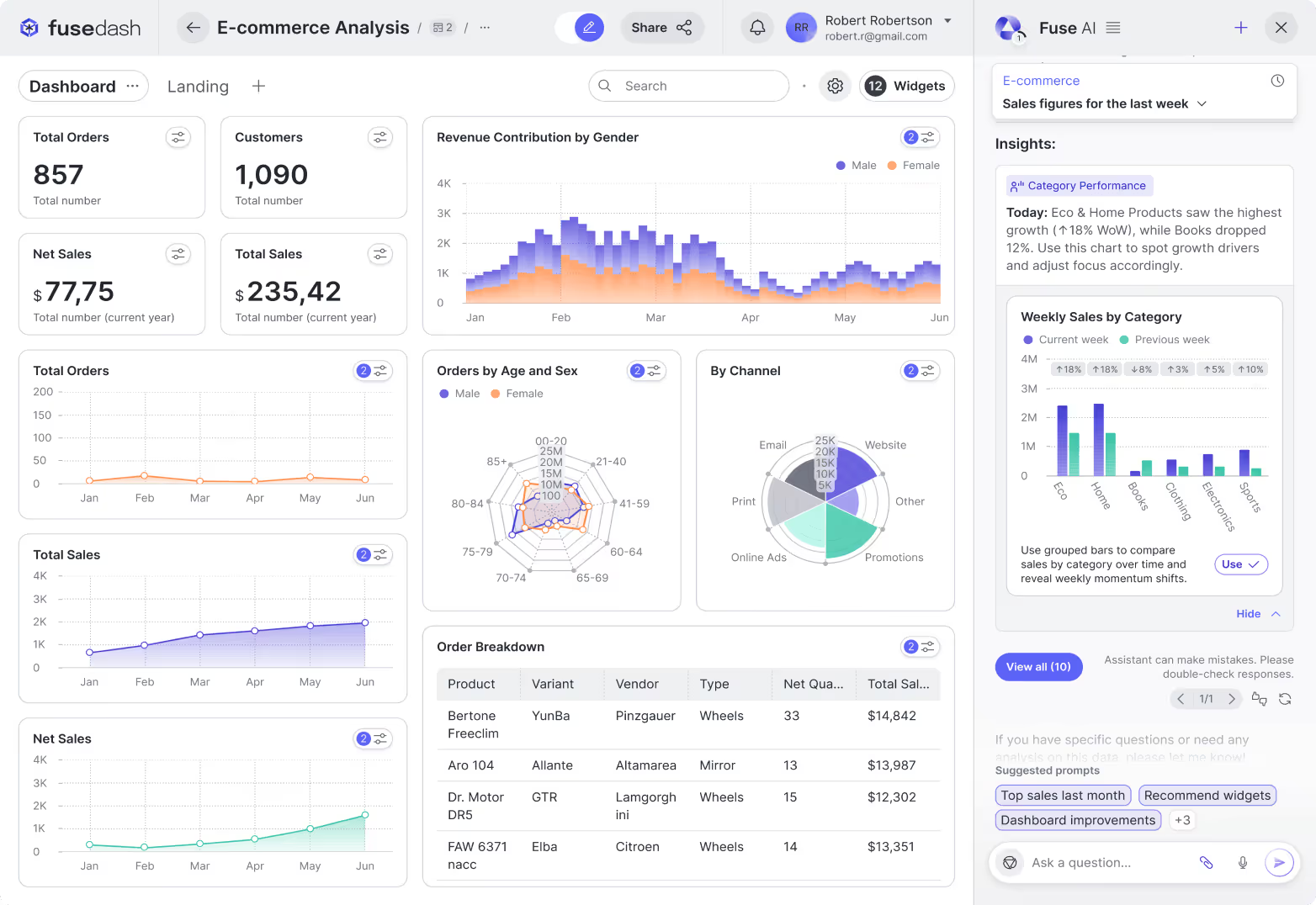
Automated Summaries
Turn any dashboard view into a clean summary you can share. AI Chat highlights key changes, outliers, and drivers, then formats the output as a short update for leadership, clients, or your team. Great for weekly recaps, month end reporting, and review meetings with Storytelling.
AI-Driven Recommendations
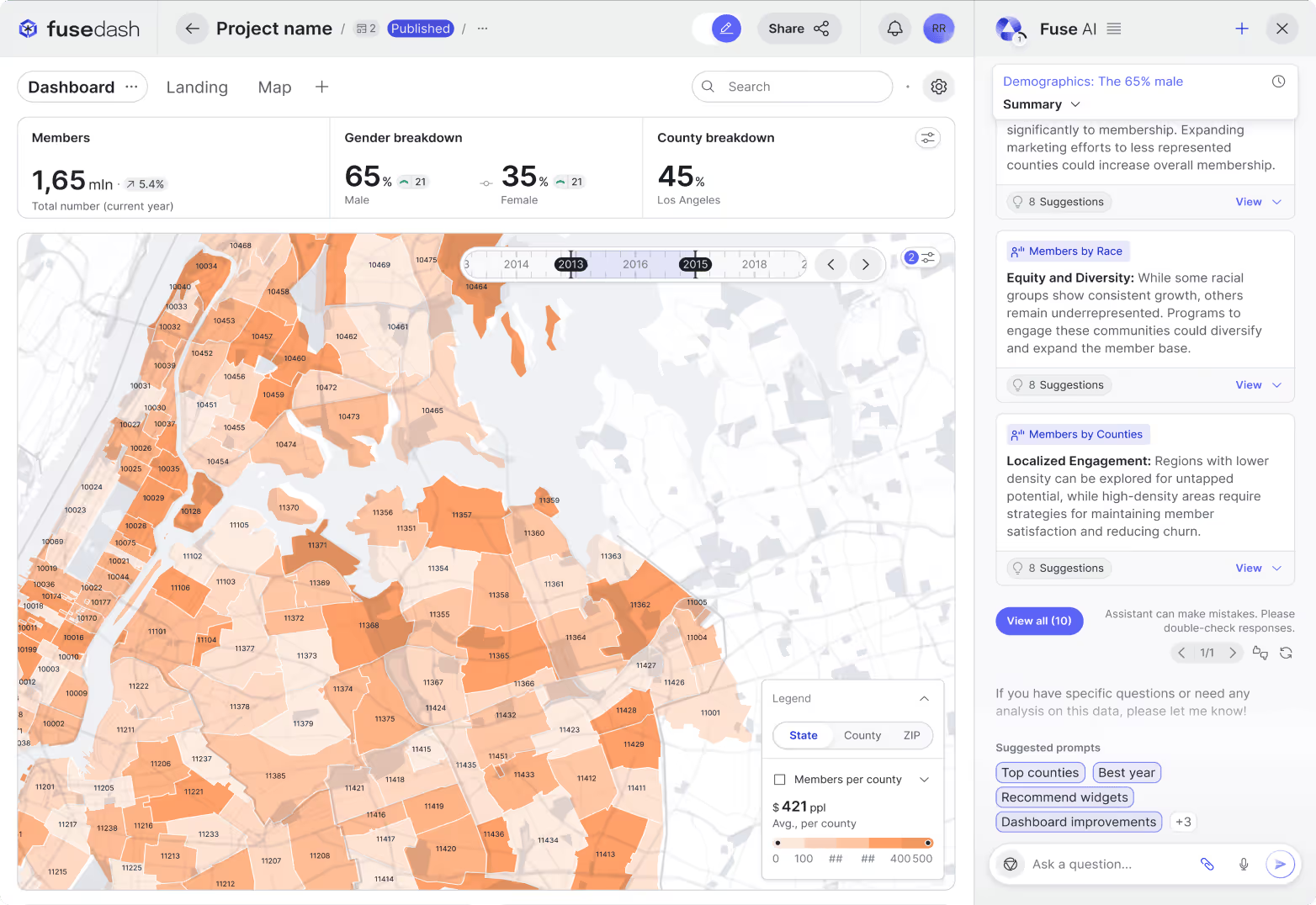
Go beyond “what happened” and ask “what should we do next?” Your AI analytics assistant can surface unusual patterns, suggest segments to investigate, and recommend next checks based on what it sees in your dashboard context. Use it to prioritize follow ups like checking a region, validating a cohort drop, or reviewing a funnel step.
Get Clear Answers Fast
Learn how Fusedash AI Chat works with dashboards, charts, and datasets.
What is natural language analytics?
Natural language analytics is the practice of querying business data using everyday language instead of structured query languages like SQL or fixed filter menus. A user types or speaks a question in plain English, and the system interprets the intent, identifies the relevant dataset and dimensions, and returns a structured answer with the metric and supporting breakdown. Natural language analytics removes the requirement for technical skill at the point of analysis: a sales manager, a marketing lead, or an executive can ask "How did last quarter compare to the year before?" and get a direct answer without knowing how the underlying data is structured. The value is speed and accessibility: teams spend less time waiting for a report to be built and more time acting on what the data shows.
What is the difference between AI data chat and a dashboard?
A dashboard is a structured, persistent view that displays a fixed set of KPIs updated on a schedule. It is designed for monitoring: teams return to it regularly to check the same metrics and spot changes over time. AI data chat is designed for investigation: it answers specific questions on demand, returns the metric and breakdown relevant to that question, and supports follow-up questions that narrow toward a root cause. The two work together. A dashboard surfaces that something changed. AI data chat helps the team understand why it changed, which segment drove the shift, and what to check next, without requiring a new report to be built for each question. Teams that use both get the consistency of a monitored view and the flexibility of on-demand investigation in the same workflow.
What can you ask an AI analytics assistant about your data?
You can ask any question that a colleague with access to your data and a strong grasp of the numbers could answer. Common examples include trend questions ("How did conversion rate change this quarter?"), comparison questions ("Which channel performed best last month?"), segment questions ("Break down revenue by region and product category"), anomaly questions ("What changed the most this week?"), and summary questions ("Summarize the key drivers from this quarter"). You can also ask forward-looking questions like "Which segments are declining?" or "What should I check next?" and receive recommendations based on patterns in your historical data. The more specific the question, the more precise the answer: adding a timeframe, a segment, or a comparison period gives the AI analytics assistant enough context to return a breakdown you can act on directly.
Do you need SQL or technical skills to use natural language analytics?
No. Natural language analytics is built for teams without technical backgrounds. You write questions the same way you would ask a colleague: in plain English, without specifying table names, filters, or query logic. The system interprets the intent and handles the data retrieval and aggregation behind the response. You can refine results by asking follow-up questions in the same conversational format, requesting a different breakdown, a different time period, or a different level of detail, without writing a single line of code. This makes natural language analytics accessible to sales managers, marketing leads, operations teams, and executives who need answers from data regularly but do not have the time or background to write queries or wait for a technical team to build a report.
Turn your data into dashboards
Start a free trial or request a demo to see Fusedash in action.