Track Revenue, CAC and ROAS in One Ecommerce Dashboard.

The ecommerce analytics dashboard for teams who need to know what changed, not just what the numbers are.

A promo can lift revenue while ROAS slips, mobile conversion can drop after a checkout change, and inventory decisions can quietly limit growth. Fusedash generates an ecommerce analytics dashboard that unifies revenue, orders, conversion rate, CAC, and ROAS in one view, so your team can identify shifts early and act with confidence. Works with Shopify, REST APIs, and any MCP-compatible data source.

fusedash/ag.drone
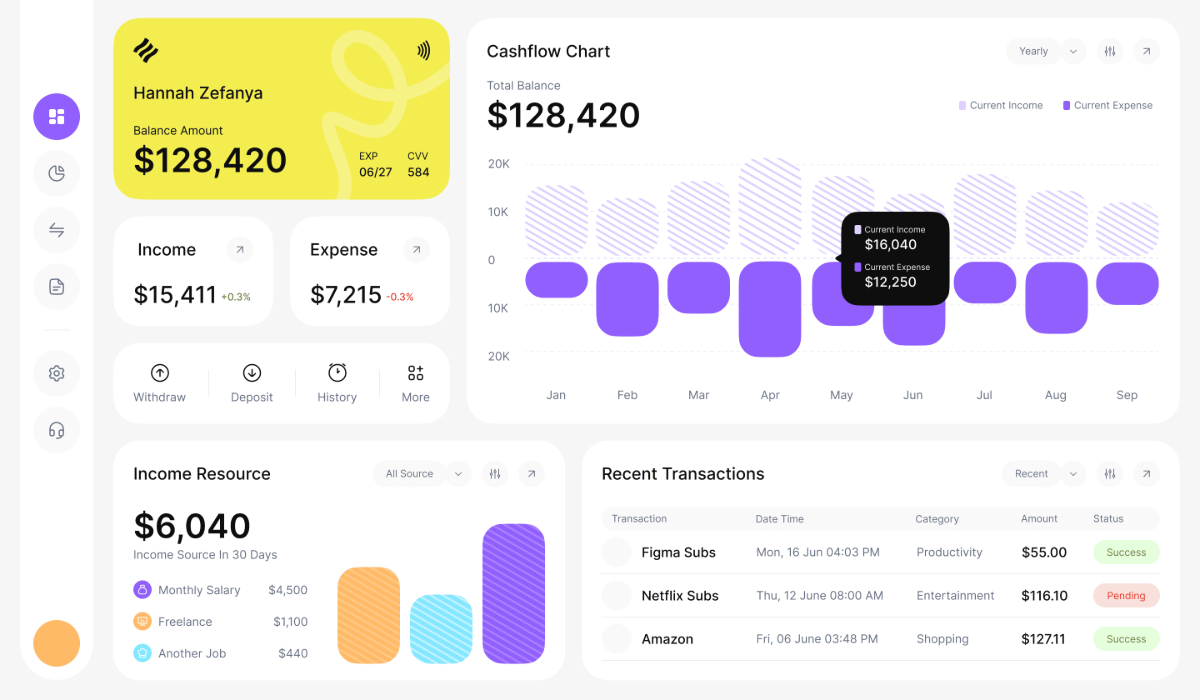
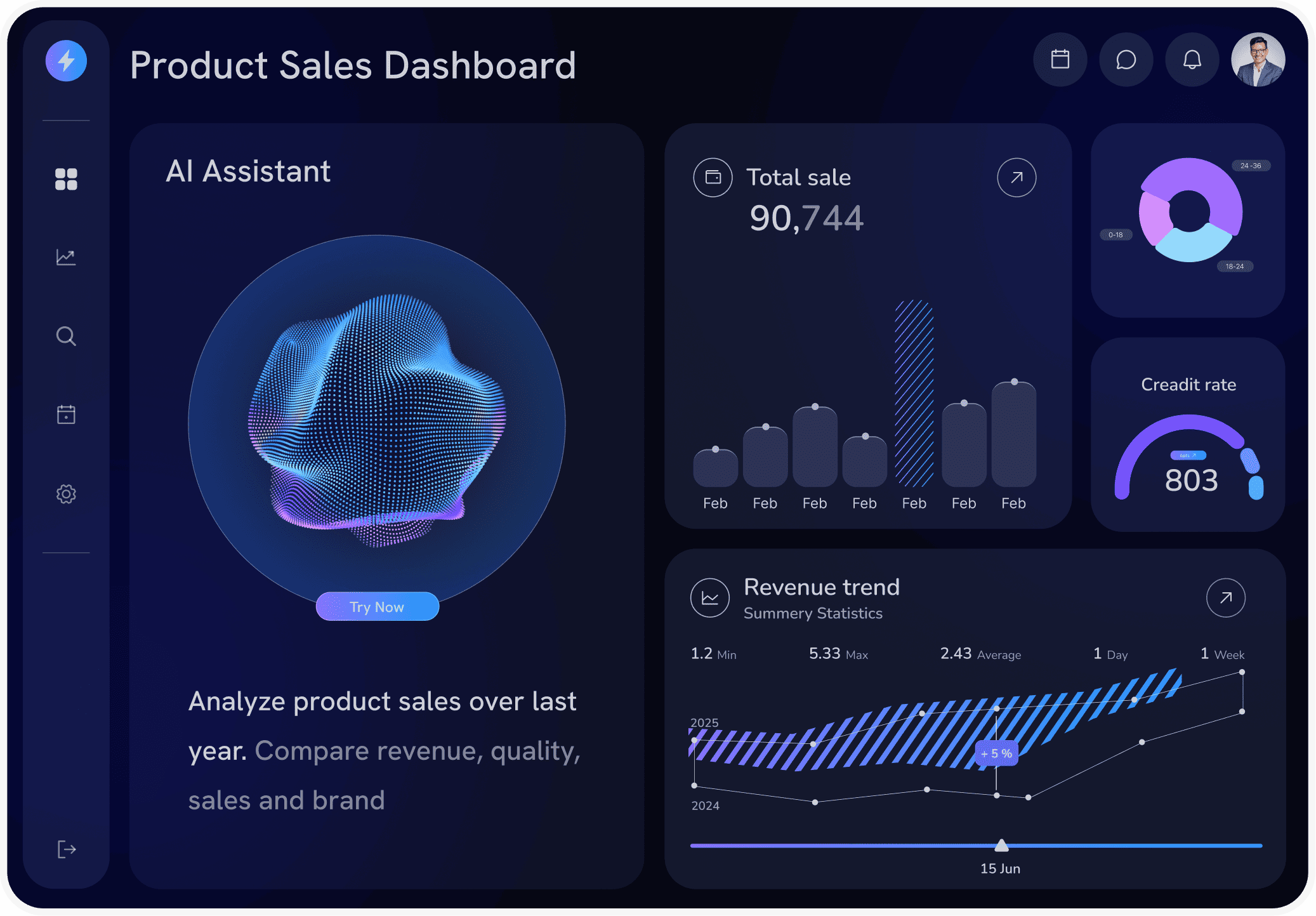
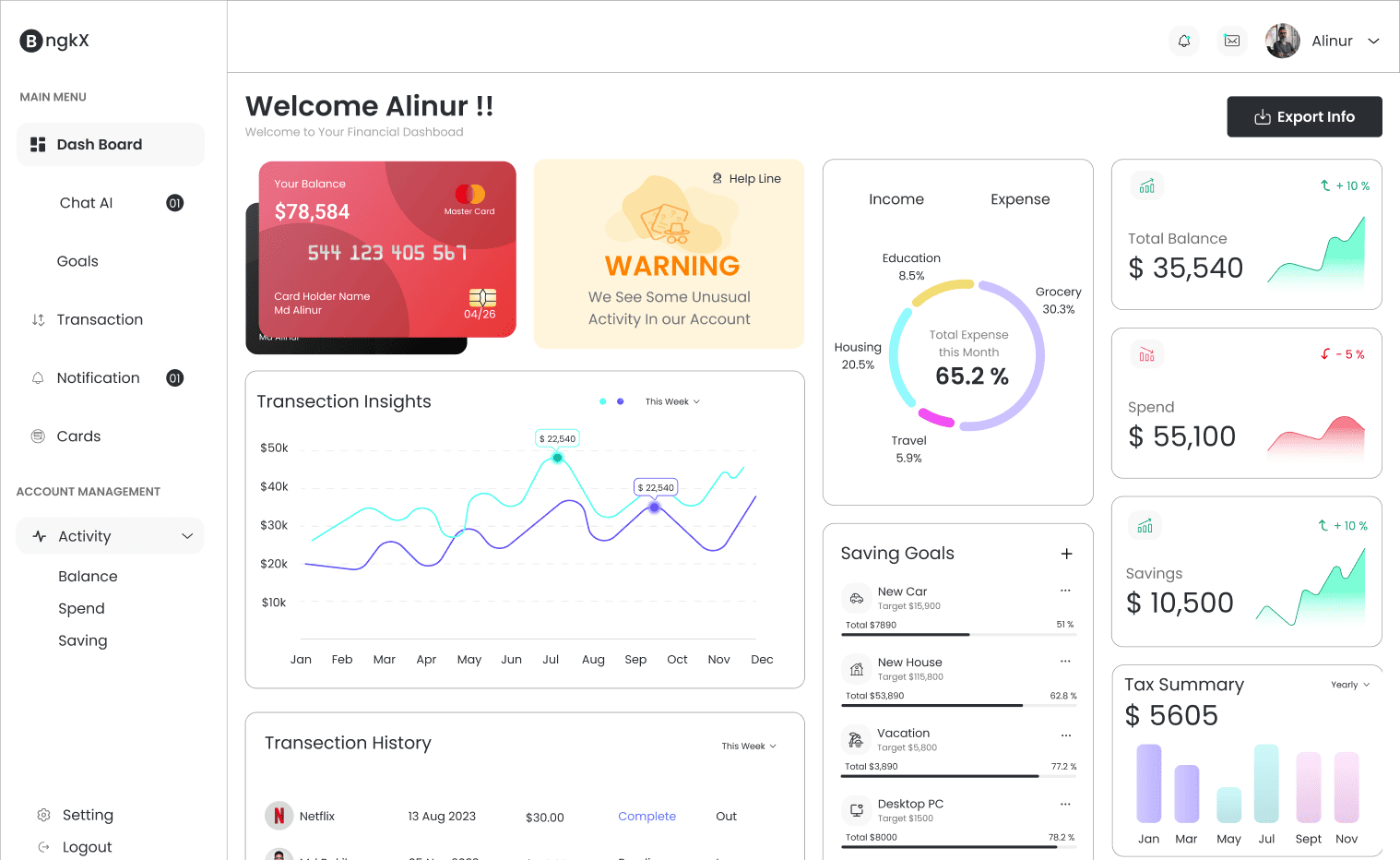
Ecommerce dashboard showing revenue, profit margin, ROAS, and sales performance over time.
Questions Your Dashboard Should Answer

The Questions Your Ecommerce Dashboard Should Answer Every Day

Your team does not need more charts. You need fast answers that lead to action. A good ecommerce analytics dashboard makes it obvious what changed, where it changed, and what to do next.

Questions Your Dashboard Should Answer

The Questions Your Ecommerce Dashboard Should Answer Every Day

Your team does not need more charts. You need fast answers that lead to action. A good ecommerce analytics dashboard makes it obvious what changed, where it changed, and what to do next.

Are we ahead or behind today’s revenue target, and what is driving the gap?
Which channels are producing profitable growth, not just traffic?
Where did conversion rate change first: device, landing page, category, or region?
Are discounts, returns, or shipping costs eroding margin on key products?
Which SKUs are trending toward stockout, and what revenue is at risk?
What is the next move: shift budget, fix the funnel, or adjust merchandising?
Built-In Dashboard Views

The Ecommerce Dashboard Views Teams Actually Use

These views match how ecommerce teams work: marketing needs spend clarity, merchandising needs product signals, and leadership needs one page that explains performance. Each view is generated from a single connected data source.

Built-In Dashboard Views

The Ecommerce Dashboard Views Teams Actually Use

These views match how ecommerce teams work: marketing needs spend clarity, merchandising needs product signals, and leadership needs one page that explains performance. Each view is generated from a single connected data source.

Insights-Driven Platform
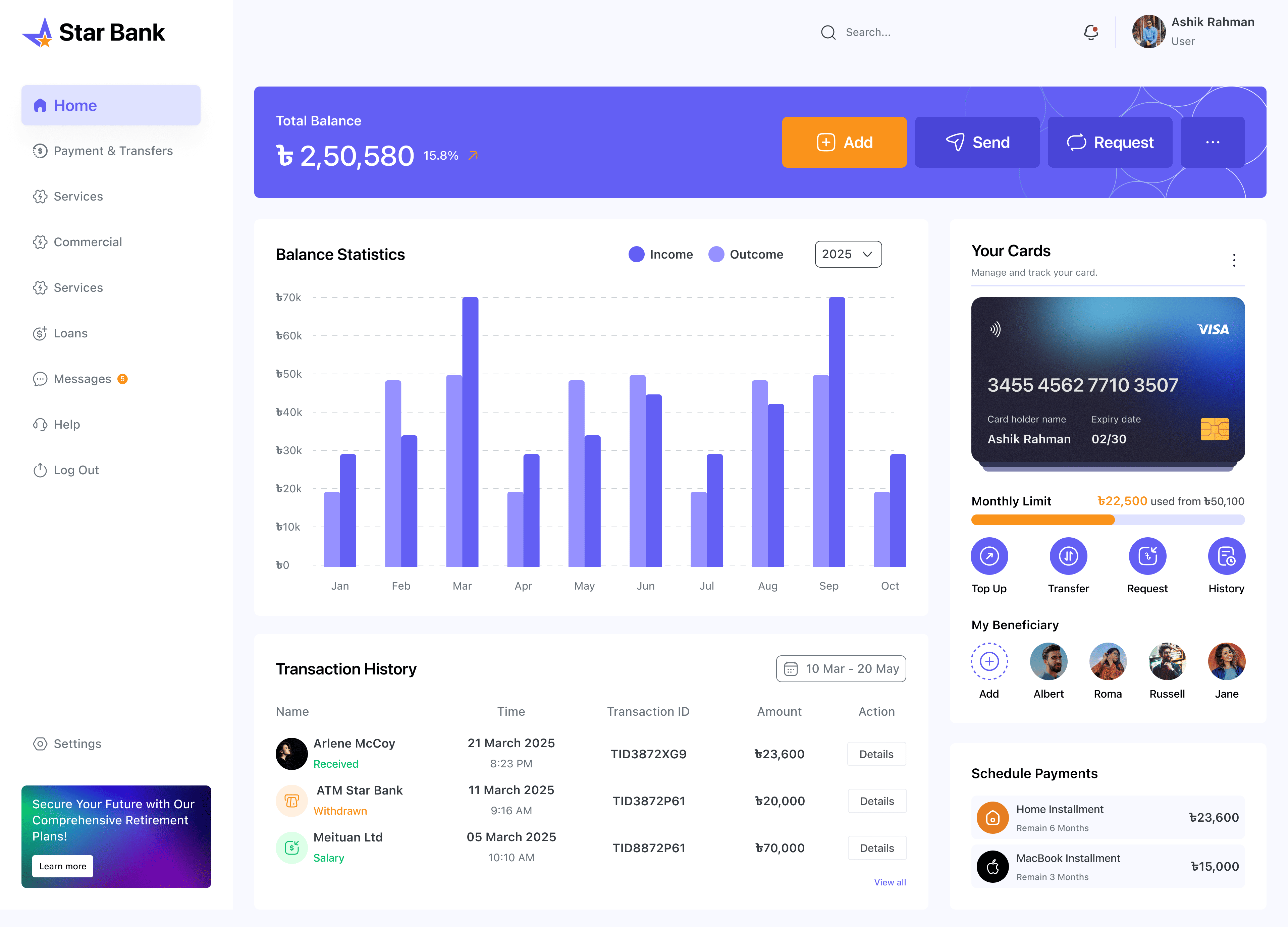
Executive ecommerce dashboard showing revenue, orders, conversion rate, and top product performance.
Leadership View

Executive revenue dashboard

A single view of business health: revenue today, orders, conversion rate, top products, and a short “what changed” summary versus the previous period.

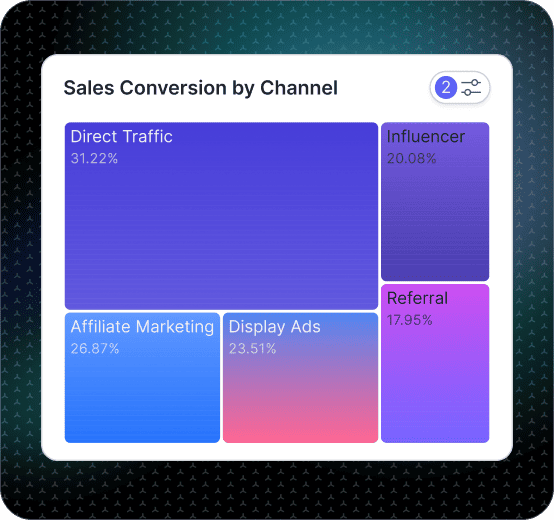
Marketing performance dashboard showing channel spend, customer acquisition cost, and return on ad spend.
Marketing Efficiency

Marketing performance dashboard (CAC and ROAS)

Track spend, CAC, and ROAS by channel and campaign with period comparisons so you can decide what to scale, pause, or fix. Explore charts and comparison.

Conversion rate dashboard showing funnel performance by step, device, landing page, and region.
Funnel View

Conversion rate dashboard (funnel and UX)

Track conversion across funnel steps and segment by device, landing page, product category, and region to isolate where customers drop and what changed.

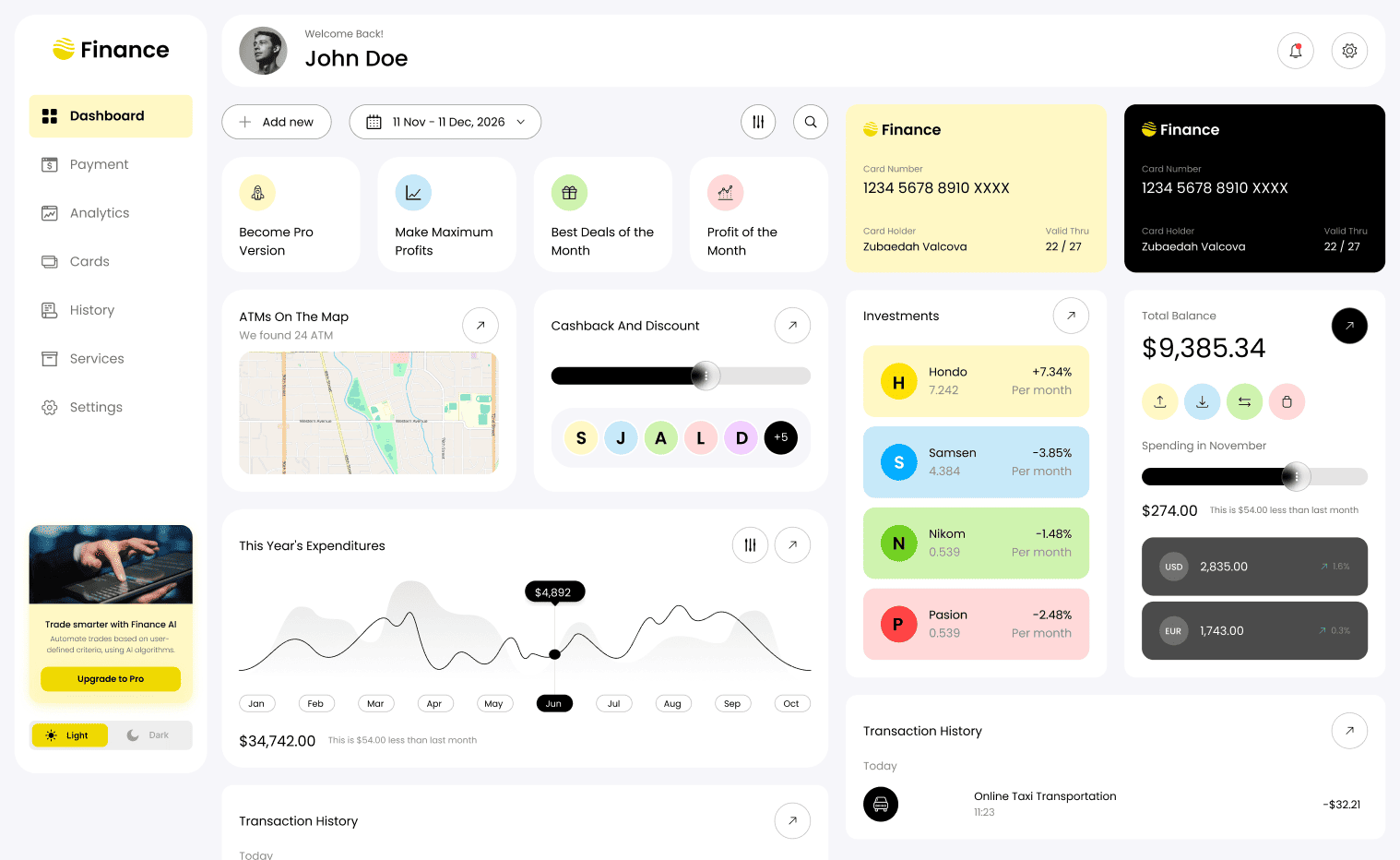
Merchandising and inventory dashboard showing product performance, stock levels, and stockout risk.
Merchandising

Merchandising and inventory dashboard

Monitor best sellers, slow movers, category performance, and stockout risk, with views that connect merchandising decisions to revenue impact.

Getting Started

How to Generate Your Ecommerce Dashboard in Fusedash

Start simple and make it usable fast. Your first ecommerce dashboard should explain performance, not just display metrics.

Getting Started

How to Generate Your Ecommerce Dashboard in Fusedash

Start simple and make it usable fast. Your first ecommerce dashboard should explain performance, not just display metrics.

Insights-Driven Platform
01

Connect your ecommerce data sources

Import CSVs or connect APIs for orders, products, customers, marketing spend, and analytics. Standardize KPI definitions so numbers match across teams.

02

Choose the first view that matches your biggest decision

Start with an executive overview, a marketing efficiency view, a funnel view, or an inventory view. One clear view beats five messy ones.

03

Build the KPIs, then add breakdowns that explain movement

Start with revenue, orders, conversion rate, AOV, CAC, and ROAS. Then add dimensions that drive action: channel, campaign, SKU, category, region, and device.

04

Add filters and drill-downs so answers take minutes

Use filters for date range, channel, campaign, category, SKU, device, and region. Drill down from the overview into the exact segment causing the change.

Fusedash Builder

Generate dashboards your team can run the business from: clean KPIs, fast drill-downs, and one source of truth you can share confidently.

Start a free trial

Ecommerce KPIs to Track by Region

Geo views are most useful when they connect location to outcomes. Track these KPIs by country, region, or city to spot where performance shifts start and what to act on next.

Revenue, orders, and AOV by country, region, or city
Conversion rate by location, plus device split (mobile vs desktop)
CAC and ROAS by region for campaign budget decisions
Refunds, returns, and margin impact by location (when tracked)
Workflow for building an ecommerce dashboard in Fusedash from connected data to decision-ready views.
Fusedash Builder interface for creating dashboards from connected ecommerce data sources.

Real-Time Monitoring for Ecommerce

During promos, launches, and site changes, relying on yesterday's numbers can leave teams reacting too late. Real-time ecommerce monitoring helps you catch revenue drops, conversion dips, and ROAS anomalies early while there is still time to recover performance.

Live revenue and orders during promotions
Conversion rate drops after checkout or landing page changes
Spend spikes or ROAS dips during campaign launches
Stockout risk on high-velocity SKUs before it hits revenue

Geo-Intelligent Monitoring for Multi-Region Ecommerce Stores

If you sell across cities or countries, location explains more than averages. Use geo views to find where demand, conversion, and delivery outcomes change, then act by region instead of guessing.

Revenue and conversion rate by country, region, or city
Identify high-performing areas to scale campaigns and budgets
Spot regional drops tied to shipping delays or stock availability (when tracked)
Find return and refund hotspots to reduce margin leakage
Regional ecommerce performance chart showing KPI trends across countries, regions, or cities.

AI-Powered Insights for Ecommerce Teams

When performance shifts, the hardest part is getting to the cause quickly. Use AI Data Chat to generate the next best breakdown and move from 'something changed' to 'here is why' without rebuilding reports.

Recommended breakdowns for revenue, conversion rate, CAC and ROAS
Turn questions into the right chart or table for the answer
Compare periods to isolate what changed and which segment caused it
Save reusable views for weekly reviews and monthly reporting
FAQs Section

Ecommerce Dashboard FAQs

Answers to common questions about ecommerce dashboards, analytics setup, conversion tracking and revenue reporting.

FAQs Section

Ecommerce Dashboard FAQs

Answers to common questions about ecommerce dashboards, analytics setup, conversion tracking and revenue reporting.

What is an ecommerce dashboard?

An ecommerce dashboard gives ecommerce teams a centralised view of revenue, orders, conversion rate, CAC, ROAS, and inventory signals in one place. It helps them see what changed, understand why, and act without switching between tools. Unlike a spreadsheet or static reporting tool, a live ecommerce analytics dashboard updates automatically and lets teams drill into the exact segment, channel, or SKU driving a performance shift.

Which ecommerce metrics should I include first?

Start with revenue, orders, conversion rate, AOV, CAC, and ROAS. Then add breakdowns by channel, product category, device, and landing page so you can explain movement and act quickly.

How do I build a conversion rate dashboard that helps me act?

Track conversion across funnel steps (product view, add-to-cart, checkout, purchase), then segment by device, landing page, product category, region, and channel. Add period comparisons (today vs yesterday, last 7 days vs prior 7) so you can see where the drop started and which segment caused it.

Can I connect Shopify and multiple sales channels to one dashboard?

Yes. Start by importing exports (CSV) or connecting sources where available, then unify definitions so revenue, orders, CAC, and ROAS match across teams. This is especially useful if you sell across multiple stores, marketplaces, or ad channels and want one retail dashboard view.

What is a revenue dashboard for ecommerce?

A revenue dashboard for ecommerce is a single view that tracks total revenue, order volume, average order value (AOV) and revenue by channel, product category and region in real time. It gives leadership and operations teams one source of truth for daily revenue performance — so decisions about budget, stock and promotions are based on live data, not yesterday's report. In Fusedash, a revenue dashboard is generated from your connected data source and updates automatically without manual exports.

What is a shop performance dashboard?

A shop performance dashboard is a daily operational view that tracks how a store is performing against its targets right now — covering revenue pacing, order volume, conversion rate, top-selling products and any live anomalies in spend or margin. Unlike a monthly report, a shop performance dashboard is designed for decisions that need to happen today: adjusting a promotion, pausing a campaign, or flagging a stockout risk before it hits revenue.

What is a retail dashboard and how is it different from an ecommerce dashboard?

A retail dashboard tracks performance across physical and digital store locations — covering sales by region, store, channel and product category with inventory and foot traffic signals where available. An ecommerce dashboard focuses on online store performance specifically: revenue, orders, conversion rate, CAC, ROAS and checkout funnel metrics. When a business sells across both channels, a retail dashboard unifies these views so regional managers, marketing teams and leadership all work from the same numbers. Fusedash works as both, depending on the data sources connected.

What is an ecommerce analytics dashboard?

An ecommerce analytics dashboard goes beyond displaying current metrics — it lets teams analyse trends over time, compare performance across channels, products, regions and time periods, and drill into the specific segments causing a change. Where a basic ecommerce dashboard shows what the numbers are, an ecommerce analytics dashboard shows what the numbers mean and what changed. Key capabilities include period comparisons, segment breakdowns by channel, device and geography, funnel analysis, and AI-assisted exploration of performance drivers.

Ready to Generate Your Ecommerce Analytics Dashboard?

Track revenue, conversion rate, CAC and ROAS in one clear view. Connect Shopify or any data source, generate your dashboard and share a single source of truth your team can act on.